 Holoport AI Chess
Play Local
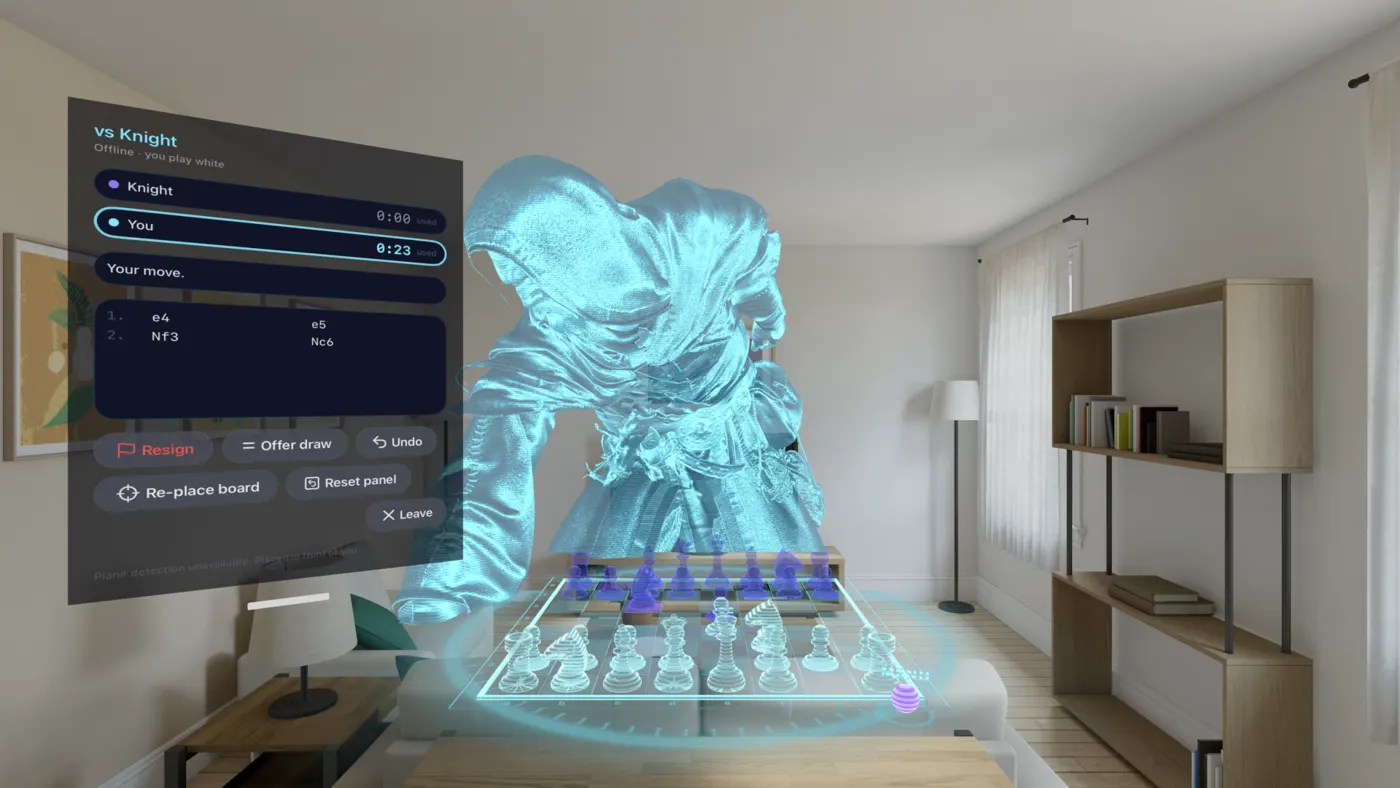
The chess engine on your headset, at the level you choose. Free, unlimited and offline, with no account.
- Five levels, from learning the pieces to the engine at full depth
- Play White or Black
- Works with no internet connection
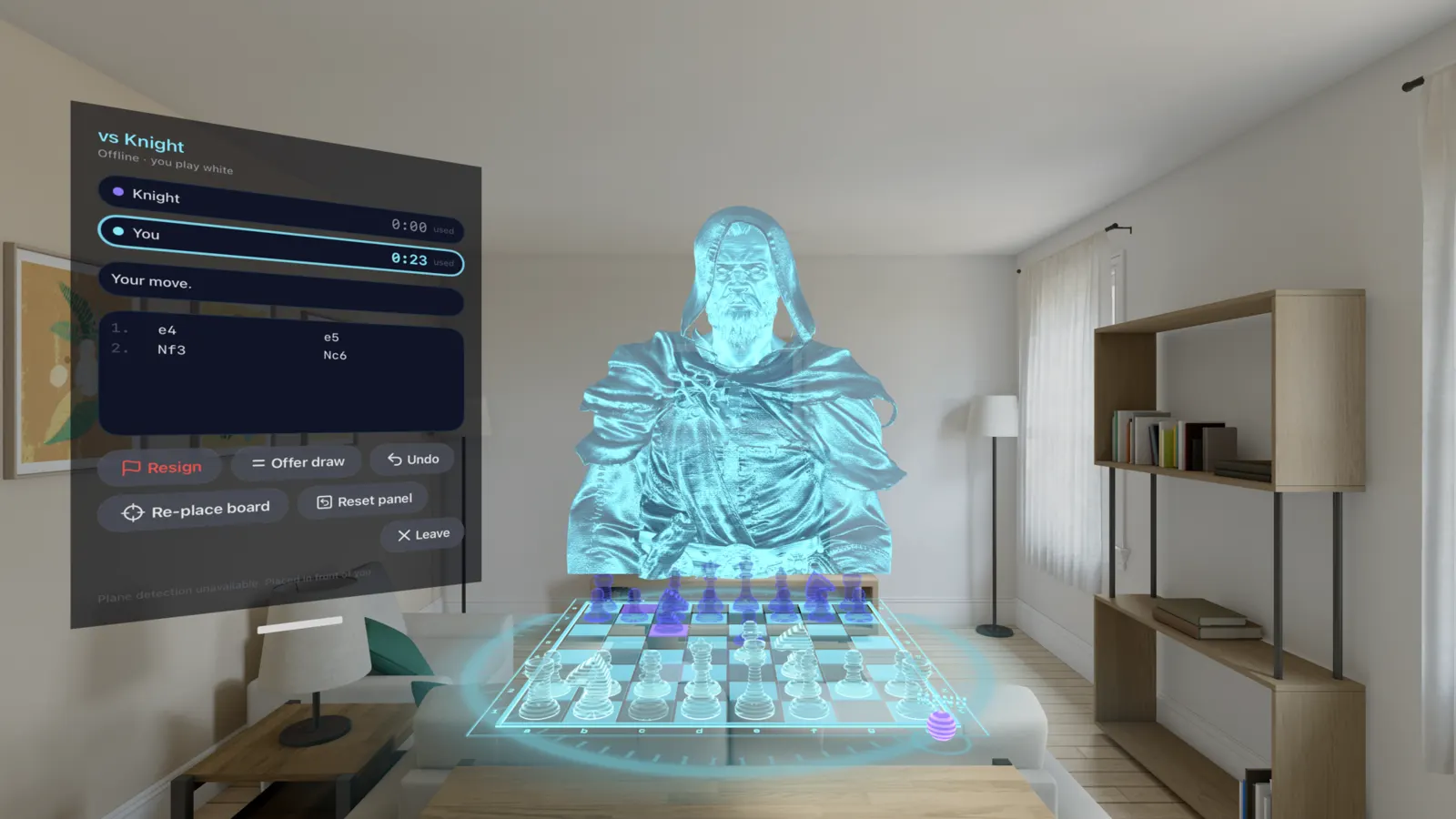
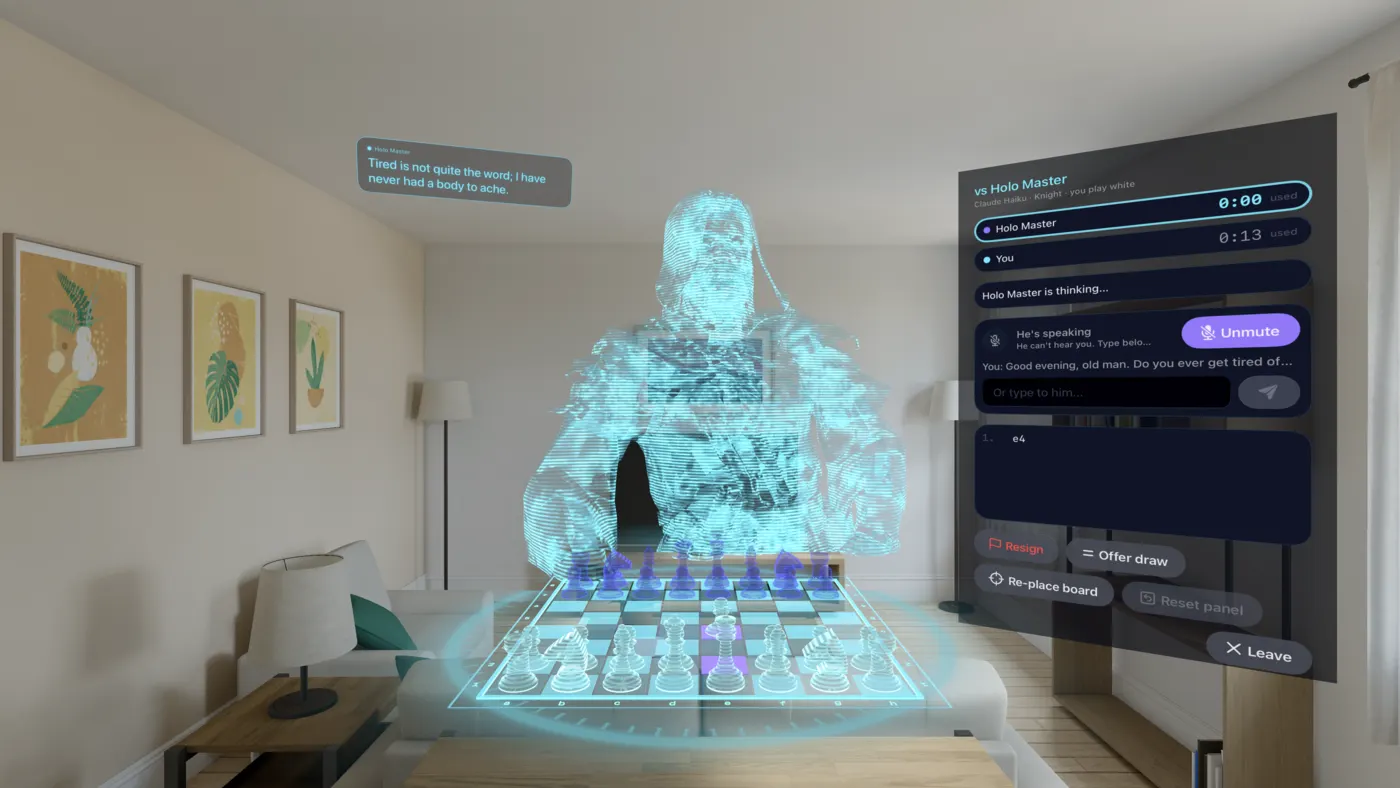
A holographic chessboard sits on your real table. You pick the pieces up with a pinch. Play the engine for free, or play Claude: a hologram wizard who sits opposite you, moves his own pieces and talks with you the whole game.
Requires Apple Vision Pro with visionOS 26. Free to download.
Reading this on a phone or a Mac? Holoport AI Chess only installs on Apple Vision Pro. Put your headset on, open the App Store there and search Holoport AI Chess.
The board
Holoport AI Chess finds the table in front of you and sets the board down on it, so you play sitting where you would play anyway. No table handy? Place it wherever you like.
How it works
Moving a piece works the way your hands already expect. No controllers, no pointer, nothing to learn.
Rest your eyes on one of your pieces. It glows so you know which one you are about to take.
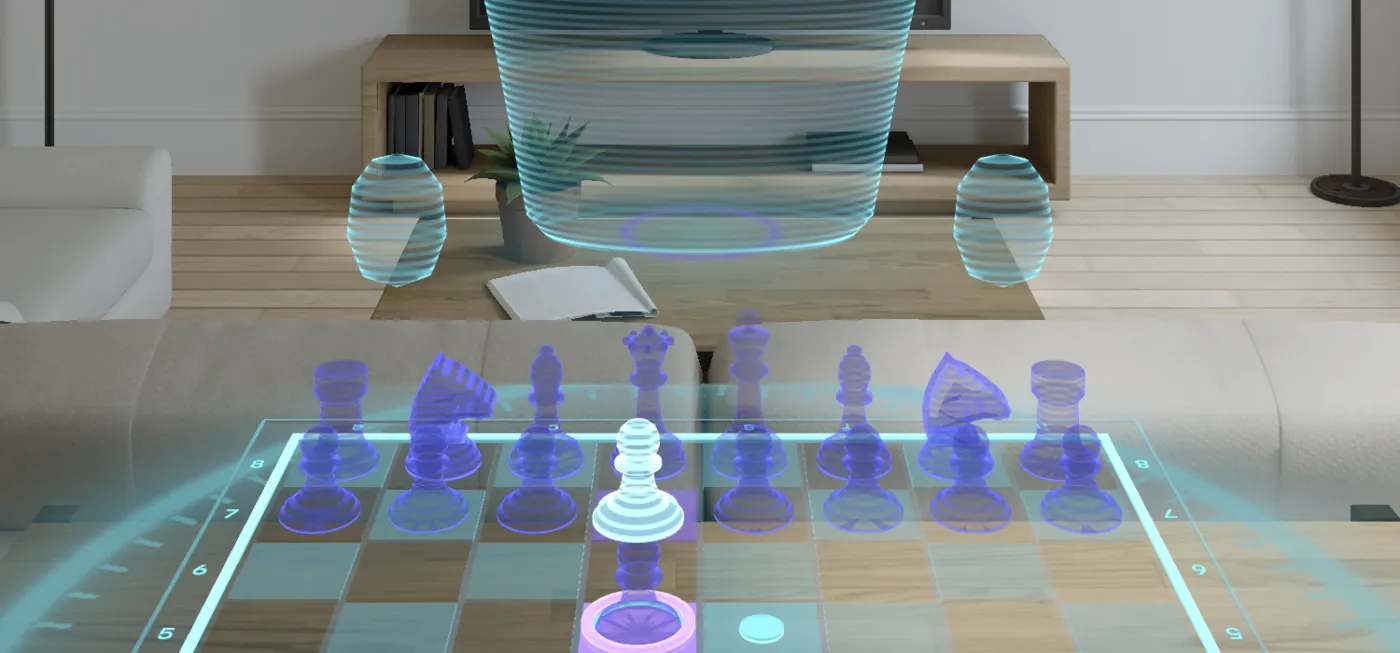
Pinch your fingers to pick it up, from your seat or by reaching right in. The squares it can go to light up.
Keep pinching and move your hand. Near a legal square the piece slides into its centre and the square rings violet.
Open your fingers to drop it. Let go anywhere else and it glides back home, still selected.
Two ways to play
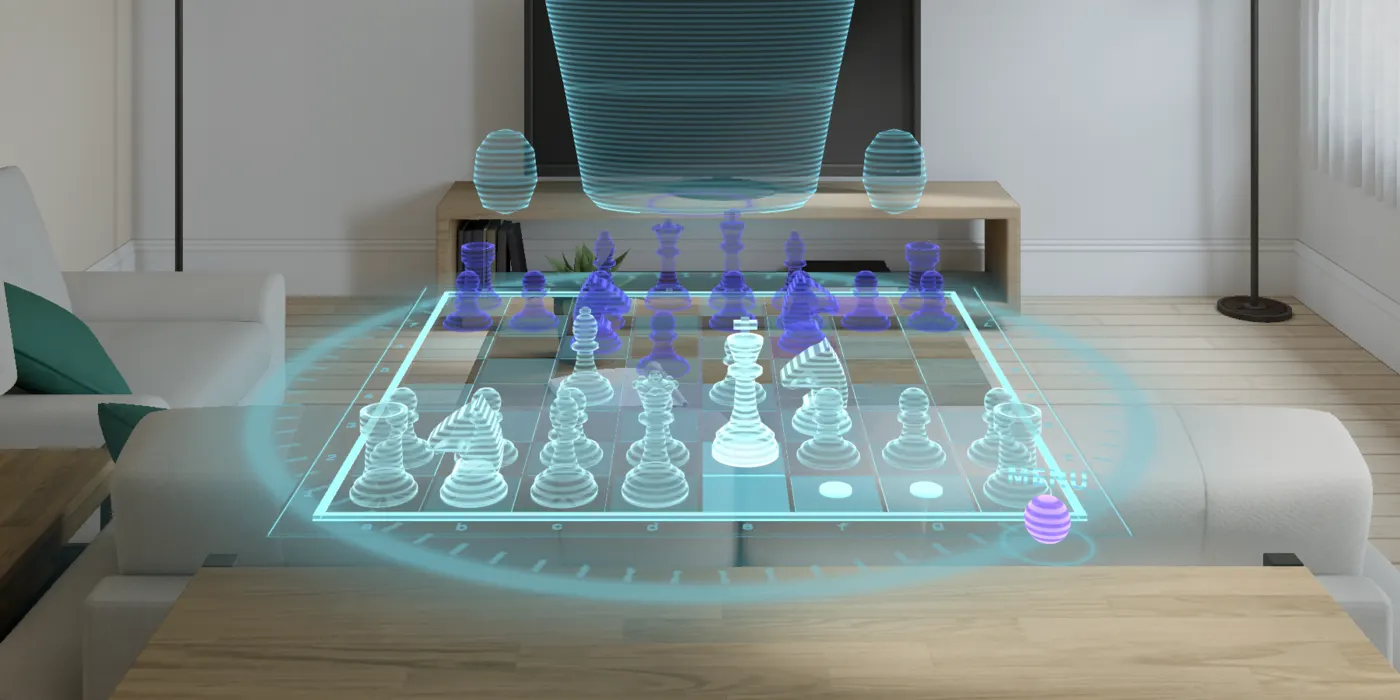
Pick one on the home screen and the board opens on your table.
The chess engine on your headset, at the level you choose. Free, unlimited and offline, with no account.
A holographic wizard sits down across your table. He is powered by Claude, from Anthropic, and you talk to him out loud.
Per-game pricing. One payment is one game, used when it starts. If a game fails on our side, you get it back.
Play Claude
Say something and he answers, in his own voice, while the game goes on. Ask him about the position, tell him about your day, or tell him you would rather concentrate.
You choose how strongly he plays. The engine suggests moves at that level, and Claude picks between them in character, so he plays a real game and talks about it like a person would.
FAQ
Apple Vision Pro running visionOS 26 or later. A table helps, but it is not required: if the app cannot find one you can place the board anywhere in front of you.
The app is free to download and Play Local is free and unlimited. Play Claude is paid per game, bought in the app through the App Store. The price is shown on the Play Claude button before you buy.
No. The engine runs on your headset, so Play Local works offline and without an account.
Your voice is turned into text on the headset itself. Only that text is sent, along with the moves of the game, to our server, which asks Claude for his reply and his move. His spoken voice is generated on our server from his reply. Your recorded voice is never uploaded. The details are in the privacy policy.
Yes. Ask him to be quiet and he will stop making small talk. You can also mute the microphone at any time during a Claude game.
One payment is one game, used when the game starts. If it fails on our side, the game is given back to you to play again.
Yes. Both come from the same studio and share the same hologram look. Holoport Vision turns videos of people into holograms that stand in your room.
Also from Holoport

Turn any video of a person into a hologram standing on your table. All on the headset, nothing uploaded.
Put the board on your table and make the first move.
For Apple Vision Pro. visionOS 26 or later.