 Holoport Tennis
Make a fist and swing
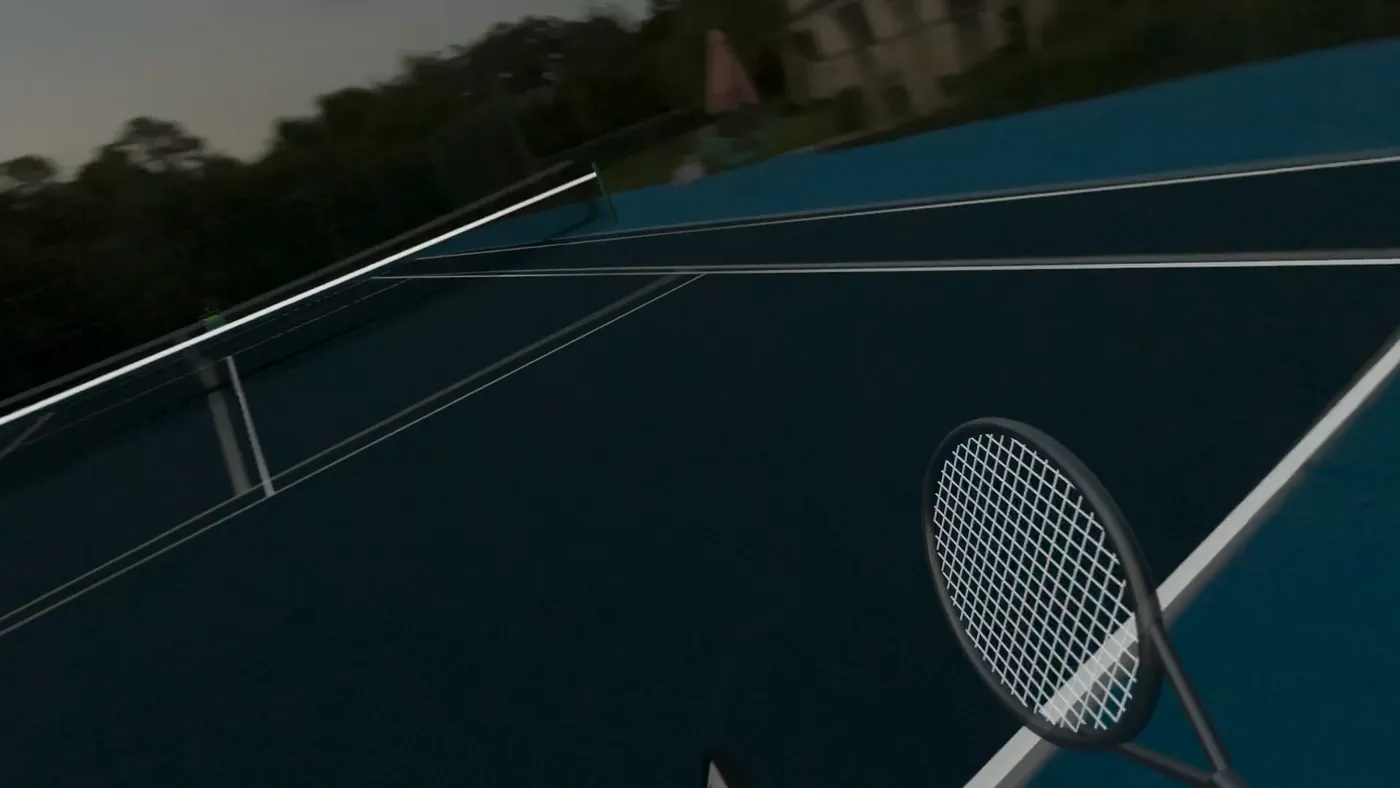
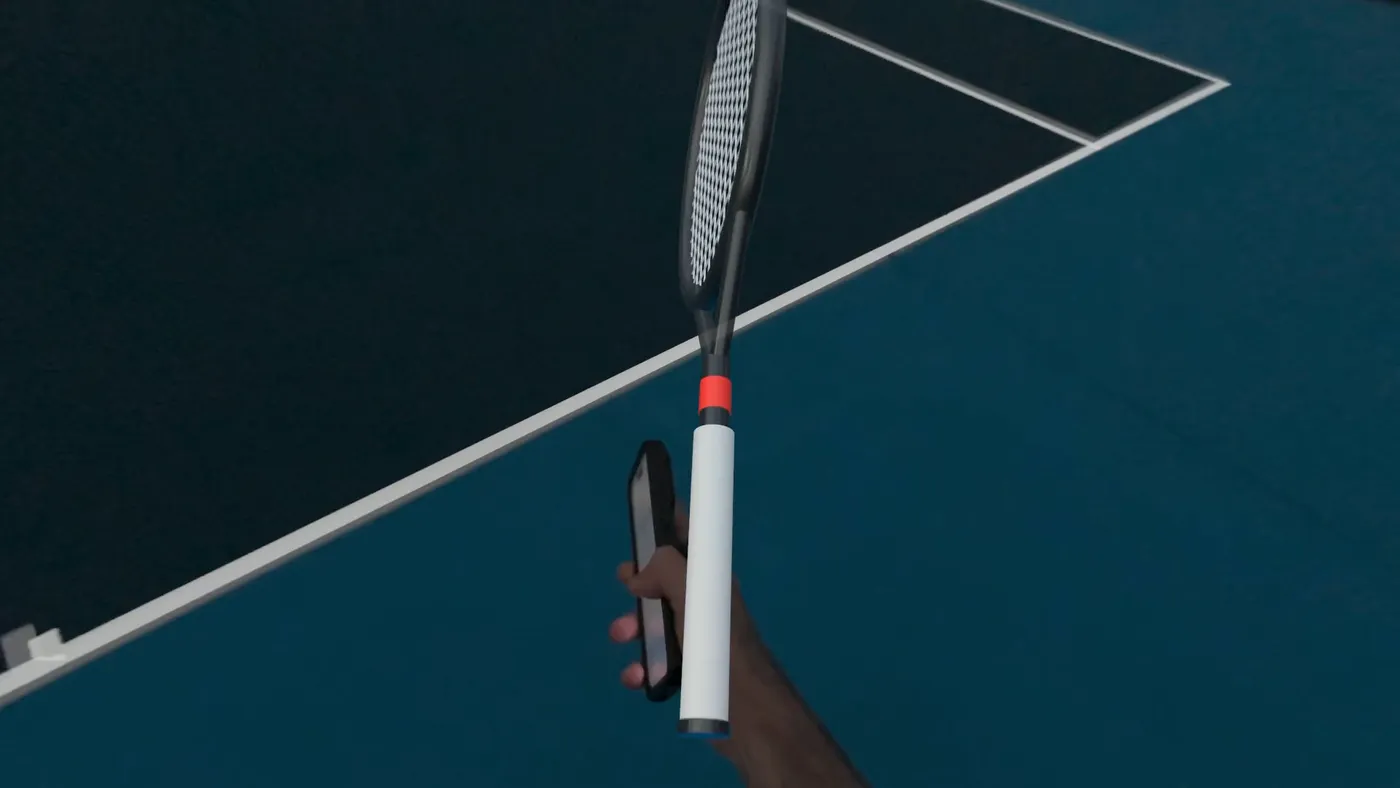
Vision Pro tracks your hand and puts the racket in it. Nothing to hold and nothing to set up.
- Right or left handed
- Assisted hitting for a bigger sweet spot while you learn the timing
- Works with nothing but the headset
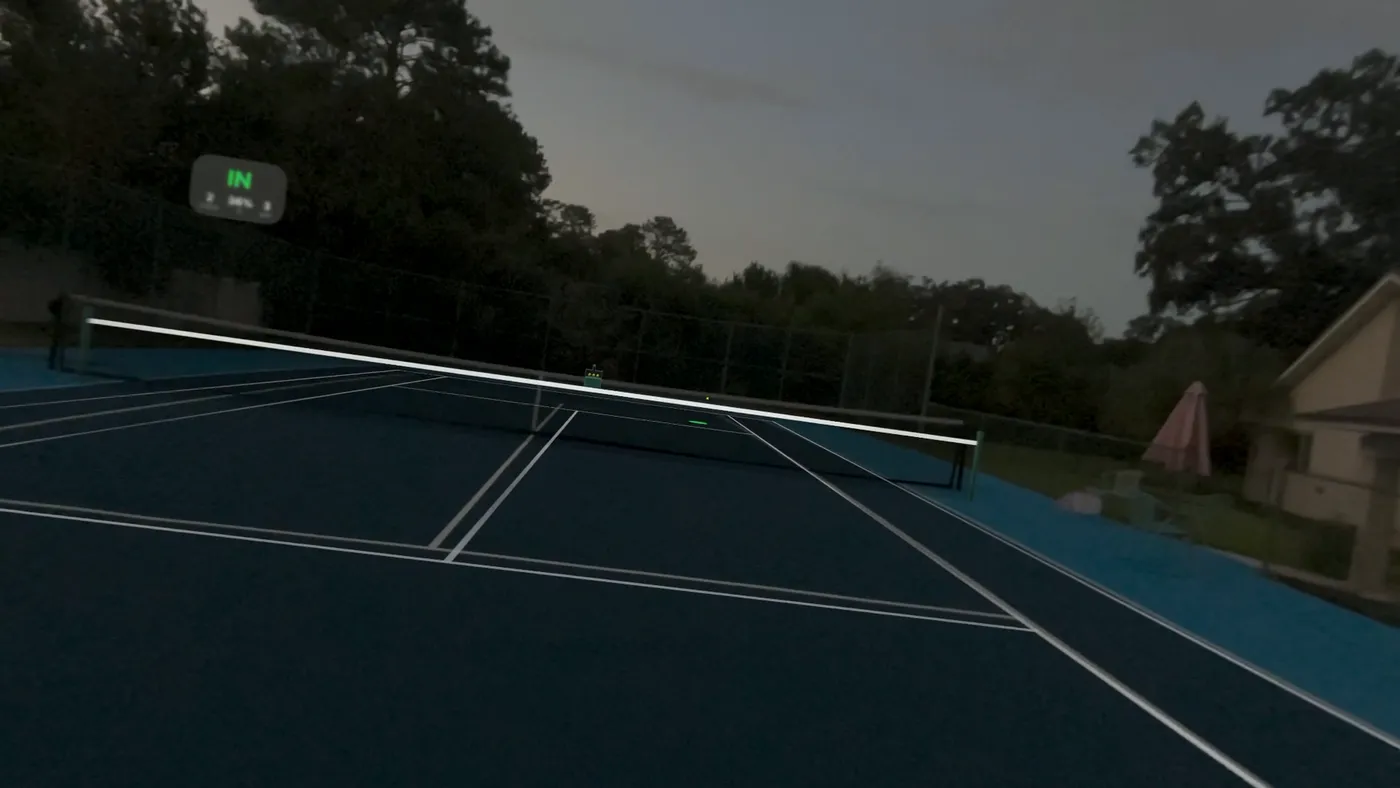
A hologram ball machine stands on the far baseline of your own court and feeds you ball after ball. Swing a hologram racket with your hand, or hold your iPhone as the handle, and every return is called in or out.
Requires Apple Vision Pro with visionOS 26. Free.
Reading this on a phone or a Mac? Holoport Tennis plays on Apple Vision Pro. Put your headset on, open the App Store there and search Holoport Tennis. The optional racket handle app installs on your iPhone from the same listing.
The court
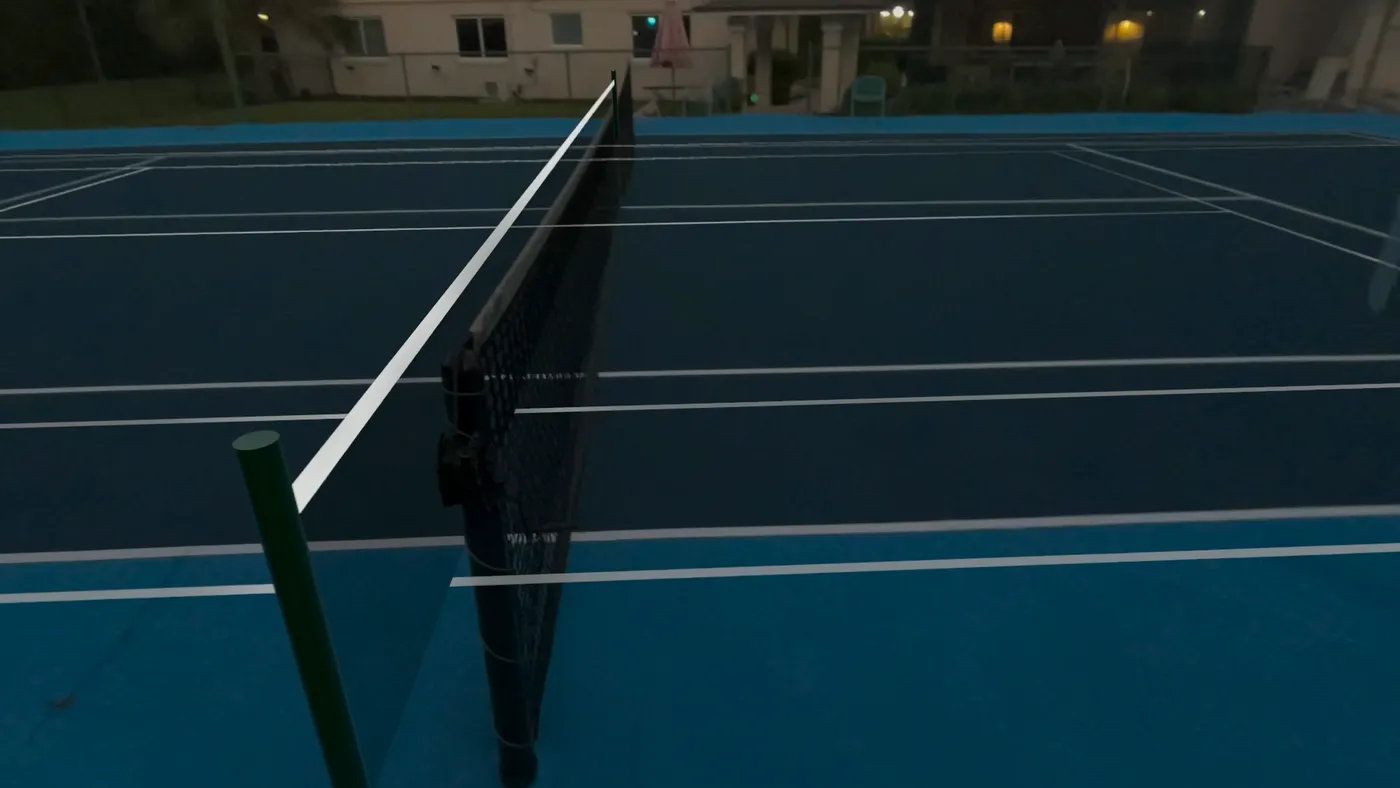
Stand on the centre mark behind your baseline and Holoport Tennis lays a hologram court over the real one. Nudge it until the lines match, turn the lines off, and the ball machine is waiting at the other end.
How it works
From putting the headset on to hitting your first ball takes about a minute.
Stand on the centre mark behind your baseline, face the net and tap Set Court.
Nudge the white hologram lines until they sit on your real lines, then turn them off.
Pick a drill, a speed and a spin, and start the machine on the far baseline.
Make a fist as if you were holding a racket, or hold your iPhone as the handle, and swing for real.
Two ways to hold the racket
Both are free. The iPhone is optional, for players who want every full-speed swing tracked.
Vision Pro tracks your hand and puts the racket in it. Nothing to hold and nothing to set up.
Open Holoport Tennis on your iPhone and hold it like a racket grip. It streams its motion to the headset 100 times a second and buzzes when the ball meets the strings.
The machine
Choose a drill and the machine feeds you the way a coach would, from the far baseline, at the speed and spin you set.
FAQ
Apple Vision Pro running visionOS 26 or later, and a tennis court with clear space around you. An iPhone is optional: it becomes the racket handle for full-speed swings.
Yes. Holoport Tennis is free, with no in-app purchases and no subscription. The iPhone handle app is included.
No. The machine and the ball are holograms. There is nothing to haul to the court and nothing to pick up afterwards.
The app is built to line up with a real court, so it is at its best on one. Any large open space works for swinging, but the line calls are measured against the court you set.
Use a wrist strap, play on an open court with nobody near you, and stay aware of the net and the fences. If you would rather not hold your phone, play with your hand alone.
None. There is no account and no server. The iPhone talks only to your own Vision Pro, over your local network and Bluetooth. The details are in the privacy policy.
Also from Holoport
Turn any video of a person into a hologram standing on your table. All on the headset, nothing uploaded.
A hologram chessboard on your real table, and a wizard across from you who talks while you play.
Take the headset out to the court and hit your first ball.
For Apple Vision Pro. visionOS 26 or later.